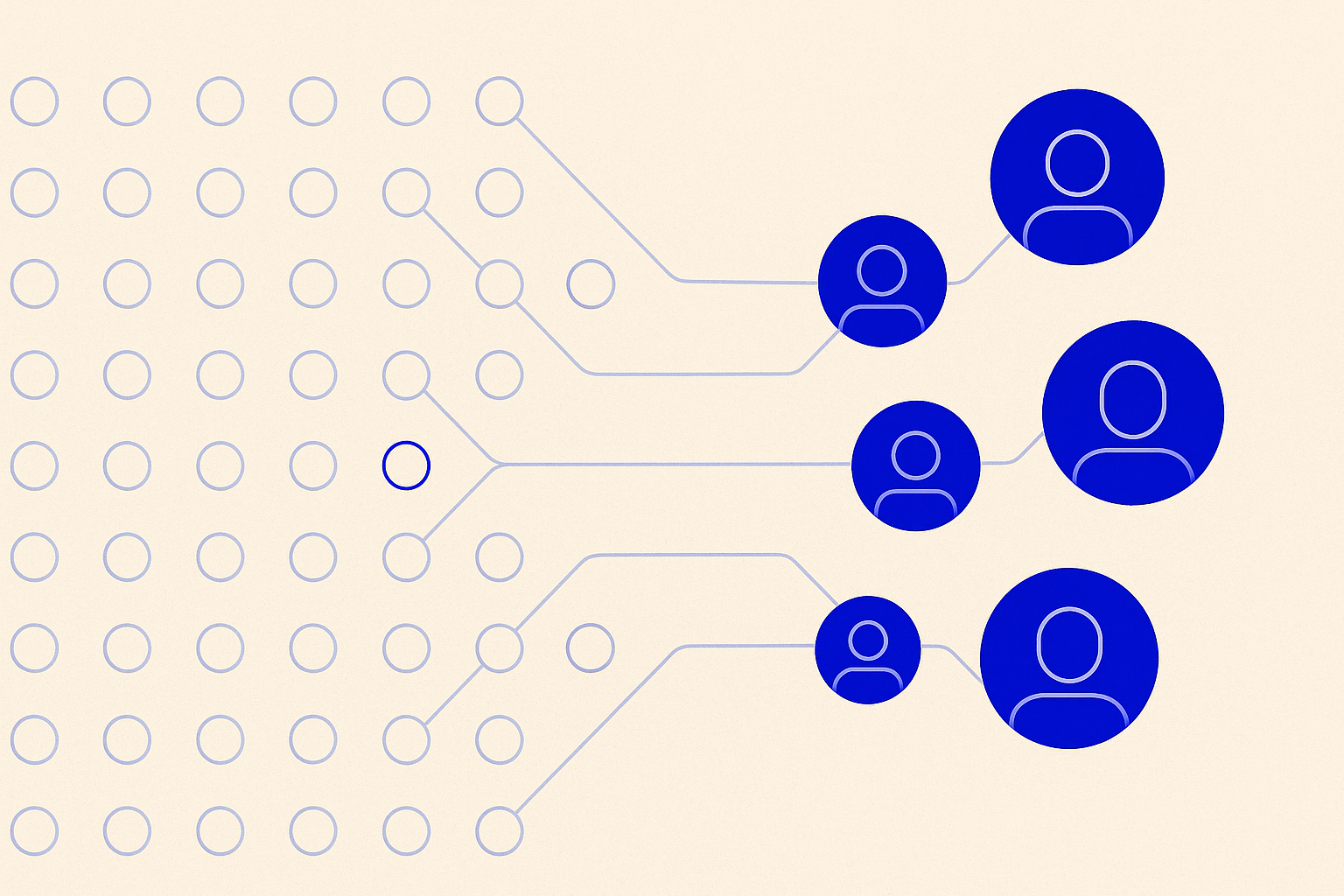

To identify anonymous Shopify visitors, install a visitor identification app that reads storefront traffic in real time and matches it against a consumer identity graph. Tie, a native Shopify app, identifies up to 70% of a store's total traffic and 90%+ of returning shoppers, then enriches each match with 300+ attributes for activation.
This guide covers the mechanism, not a vendor comparison. It walks through each step of the process, what "anonymous" actually means (and its limits), and answers the two questions most brands ask before trying this: what visitor identification software actually is, and whether it actually works. For a vendor-by-vendor comparison, see Best Visitor Identification Software for Shopify instead.
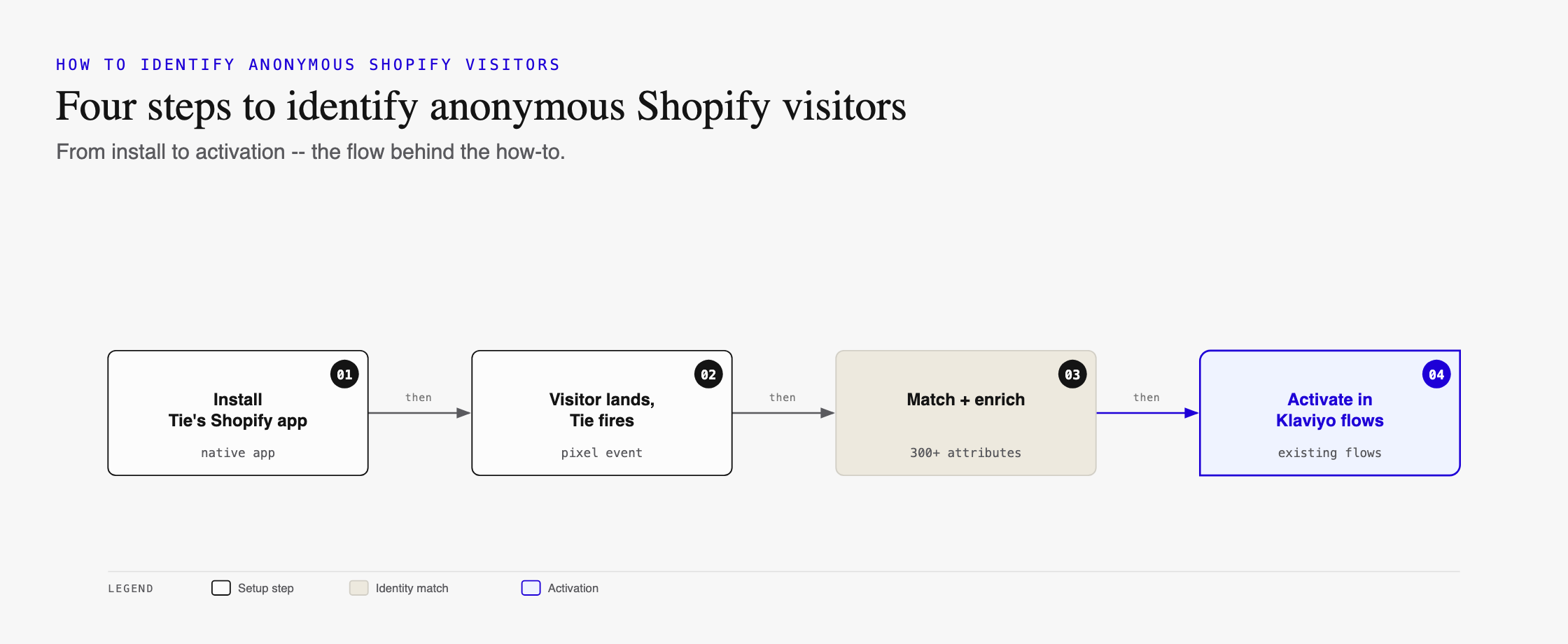
Step 1: Install a Native Visitor Identification App
Install a Shopify App Store-listed visitor identification app, such as Tie, with no custom development required. Shopify's own native analytics report traffic volume and behavior, but they do not resolve an anonymous visitor to a name or email address. That resolution step requires a dedicated app connected to a consumer identity graph.
Native Shopify apps typically begin matching traffic immediately after install, with no engineering time required. Tie starts reading storefront behavior in real time from activation, with identified profiles available to connected tools the same day.
Visit the Tie Shopify App Store listing for installation details.
Step 2: Let It Match Traffic Against an Identity Graph
Once installed, the app reads storefront and purchase behavior in real time and matches visitors against a consumer identity graph, a database built from licensed identity and behavioral data. A confident match resolves to a name, email address, and further profile attributes.
Match rate varies by visitor type. Returning visitors, those who have browsed, added to cart, or purchased before, leave more behavioral signal behind and are typically easier to match than first-time visitors. Tie identifies up to 70% of a store's total site traffic and 90%+ of returning shoppers specifically.
Step 3: Route Identified Profiles Into Existing Tools
Matched, enriched profiles push automatically into connected tools like Klaviyo, Attentive, or Postscript. Whichever ESP a store already runs, identified visitors arrive as new or updated contacts inside it, no separate export or manual list-building step required.
Connect your ESP so identified profiles flow into flows that already exist. A store does not need to build a new email program to use visitor identification; it needs the identification layer to feed the program it already has.
Step 4: Review What Data Actually Populates a Profile
Once identified, a profile includes far more than an email address. Tie appends 300+ Tie Attributes per matched visitor, spanning identity, purchasing behavior, interests, and geography. That enrichment is what allows a flow to personalize beyond "you left something in your cart."
Step 5: Activate on Enriched Attributes and Inbox Placement
Identification alone does not generate revenue; activation does. Inbox placement matters as much as identification. Tie Priority moves qualifying Gmail sends from the Promotions tab into Primary, a placement shift tied to 2-8x more revenue per send, because a Primary-tab email competes with far less inbox clutter than a Promotions-tab one.
Step 6: Measure Incremental Revenue, Not Just List Growth
Track incremental revenue per campaign against a pre-identification baseline, not just list growth. A bigger contact count is not the goal; more revenue from flows that were already running is. Sharper Image saw a 30% lift in incremental revenue after identified traffic reached its existing Klaviyo flows.
What "Anonymous" Actually Means (and Its Limits)
"Anonymous" describes a visitor whose identity is unknown to the store at the moment they land on-site, not a visitor operating with no data trail at all. Visitor identification resolves that gap for consumer, direct-to-consumer traffic specifically.
It is worth stating plainly: this category, including Tie, does not resolve B2B or work-email traffic. Consumer identity graphs are built to match personal email addresses tied to individual shopping behavior, not business buying-committee identities. That is a category-wide limitation shared by every vendor in this space, not something specific to any one tool. A Shopify store expecting to identify B2B wholesale buyers through this mechanism will not get that result from any visitor identification app on the market.
Related guides
- Best Visitor Identification Software for Shopify
- Best Klaviyo Visitor Identification App
- Best Visitor Identification Software for DTC Brands
Frequently Asked Questions
What is the step-by-step process to identify anonymous Shopify visitors?
Install a visitor identification app from the Shopify App Store, let it read storefront and purchase behavior in real time, and let it match visitors against a consumer identity graph. Tie completes this with no custom development, then pushes matched profiles into connected tools like Klaviyo automatically.
Can Shopify identify anonymous visitors on its own, without a third-party app?
No. Shopify's native analytics report traffic volume and behavior but do not resolve an anonymous visitor to a name or email address. That resolution requires a visitor identification app, like Tie, connected to a consumer identity graph.
What happens after a Shopify visitor is identified?
The matched profile, typically 300+ attributes per person with Tie, becomes an enriched contact in the store's existing tools. From there it can populate a Klaviyo segment, trigger an abandoned cart flow, or feed a forward-looking buy-readiness score, before the visitor takes a second action on-site.
How long does it take to start identifying Shopify visitors after installing an app?
Native Shopify apps typically begin matching traffic immediately after install, with no engineering time required. Tie starts reading storefront behavior in real time from activation, with identified profiles available to connected tools the same day.
What is visitor identification software?
Software that matches anonymous website traffic to real names and email addresses, then enriches each match with additional data for marketing activation. Tie's version identifies up to 70% of a site's total traffic and 90%+ of returning shoppers, adding 300+ attributes and a forward-looking buy-readiness score per profile.
Does visitor identification actually work?
Visitor identification works to the degree its match rate and downstream activation are measurable, not just claimed. Tie identifies up to 70% of total site traffic and 90%+ of returning shoppers, and customers like Sharper Image (30% incremental revenue lift) and OluKai ($55,000 in under 24 hours) show the resulting revenue impact.
How is this different from cookies or pixel tracking?
Cookie-based tracking recognizes a device across sessions but does not know who the person is. Visitor identification resolves that device to an actual name and email address by matching behavioral signals against a consumer identity graph, turning anonymous traffic into an addressable contact.
Does it work for B2B or work-email traffic?
No. Consumer identity graphs, including Tie's, are built to match personal email addresses tied to individual consumer behavior, not business buying-committee identities. This is a category-wide limitation shared by every vendor in this space.
Read the case study: Sharper Image's 30% incremental revenue lift.